
Send the finished workflow output to email recipients.The Email export node is for workflows that should notify people when processed clips or videos are ready. Use it at the end of a workflow when the result should land in an inbox instead of being posted directly to social.
Schema
- Input: Finished workflow output from the previous node
- Output: An email notification or delivery step for the completed result
Add the node
Open Workflows from the left sidebar and click New to open the workflow builder. Build the trigger and editing steps first, then open the Export stage and choose Email. Overlap adds the Email node as the workflow destination.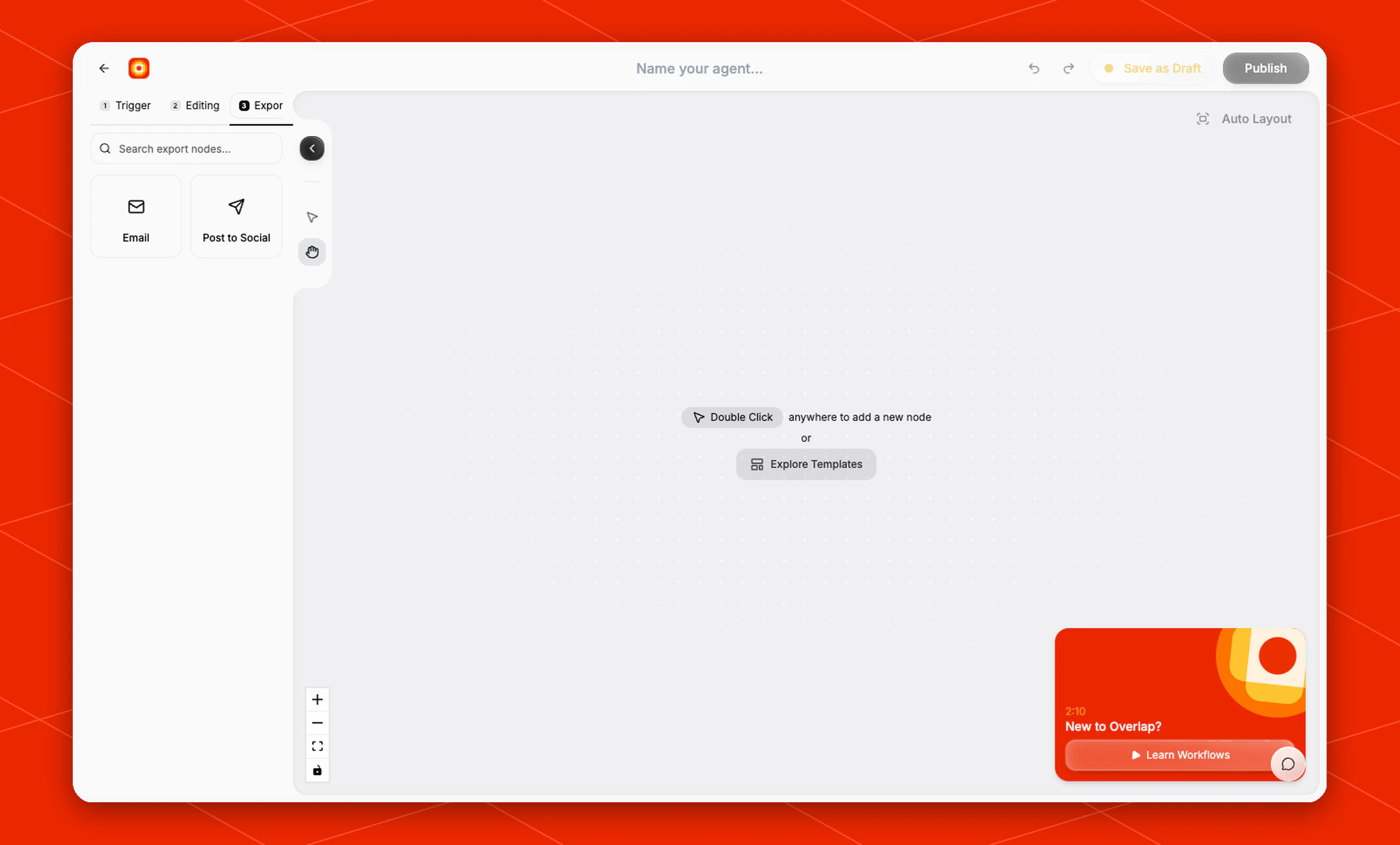
Configure the delivery
Use the Email node when the workflow should send the finished output to an inbox for review, approval, sharing, or handoff. Because Email is an export node, place it after the editing nodes that create the assets you want delivered. For example, a workflow might run Find Clips, use Style Video to add subtitles, then finish with Email so the completed clips are sent when the workflow run is done.Organization administrators can turn off Workflow email delivery from Email Settings. When it is off, workflows continue processing, but Email nodes, completion emails, and workflow status emails do not send. An individual workflow cannot override the organization setting.