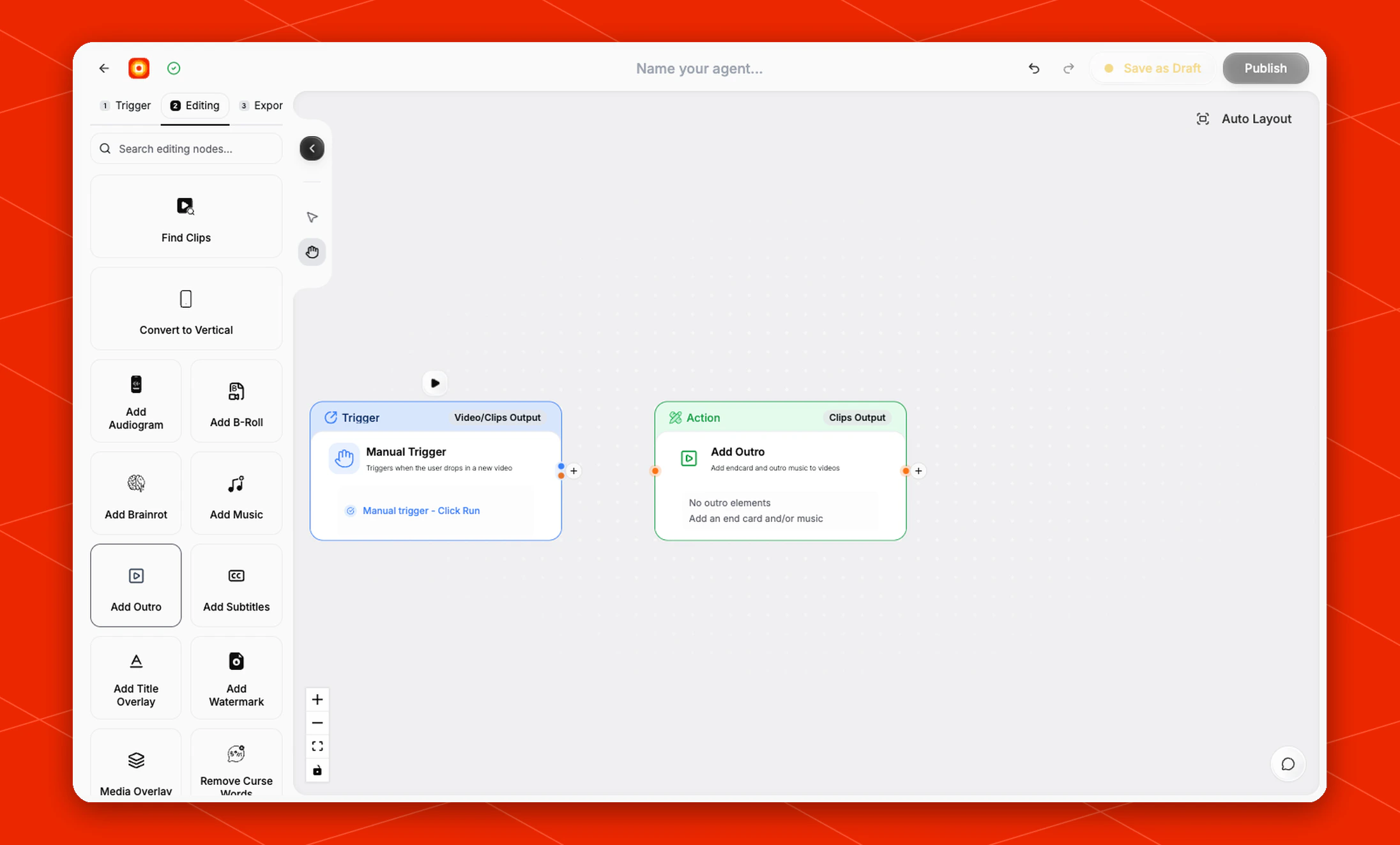
Add finishing outro elements to each clip before the workflow exports it.The Add Outro node is an editing action for adding an end card, outro music, or both. Use it near the end of the editing stage when clips should include a branded closing moment before they are sent to an export node.
Schema
- Input: Video or clips from an upstream trigger or editing node
- Output: Clips with outro elements applied
Open an existing node
Open a workflow that already contains Add Outro, then click the node on the canvas to check its current state. The node is no longer available as a new palette addition; use Style Video in new workflows.