
Documentation Index

Fetch the complete documentation index at: https://docs.overlap.ai/llms.txt

Use this file to discover all available pages before exploring further.

Start a workflow on demand by dropping in a video instead of waiting for a source trigger.
The Manual Trigger is for workflows that should run only when you start them yourself. Use it for one-off videos, workflow tests, or any workflow that does not need to listen automatically for new YouTube, RSS, Dropbox, or livestream content.

Schema

  • Input: A video you manually provide when you run the workflow
  • Output: Video/clips output for the rest of the workflow

Add the node

Open Workflows from the left sidebar and click New to open the workflow builder. In the Trigger stage, choose Manual Trigger. Overlap adds the trigger node to the canvas, selects it, and moves the left panel forward to Editing so you can keep building the workflow.
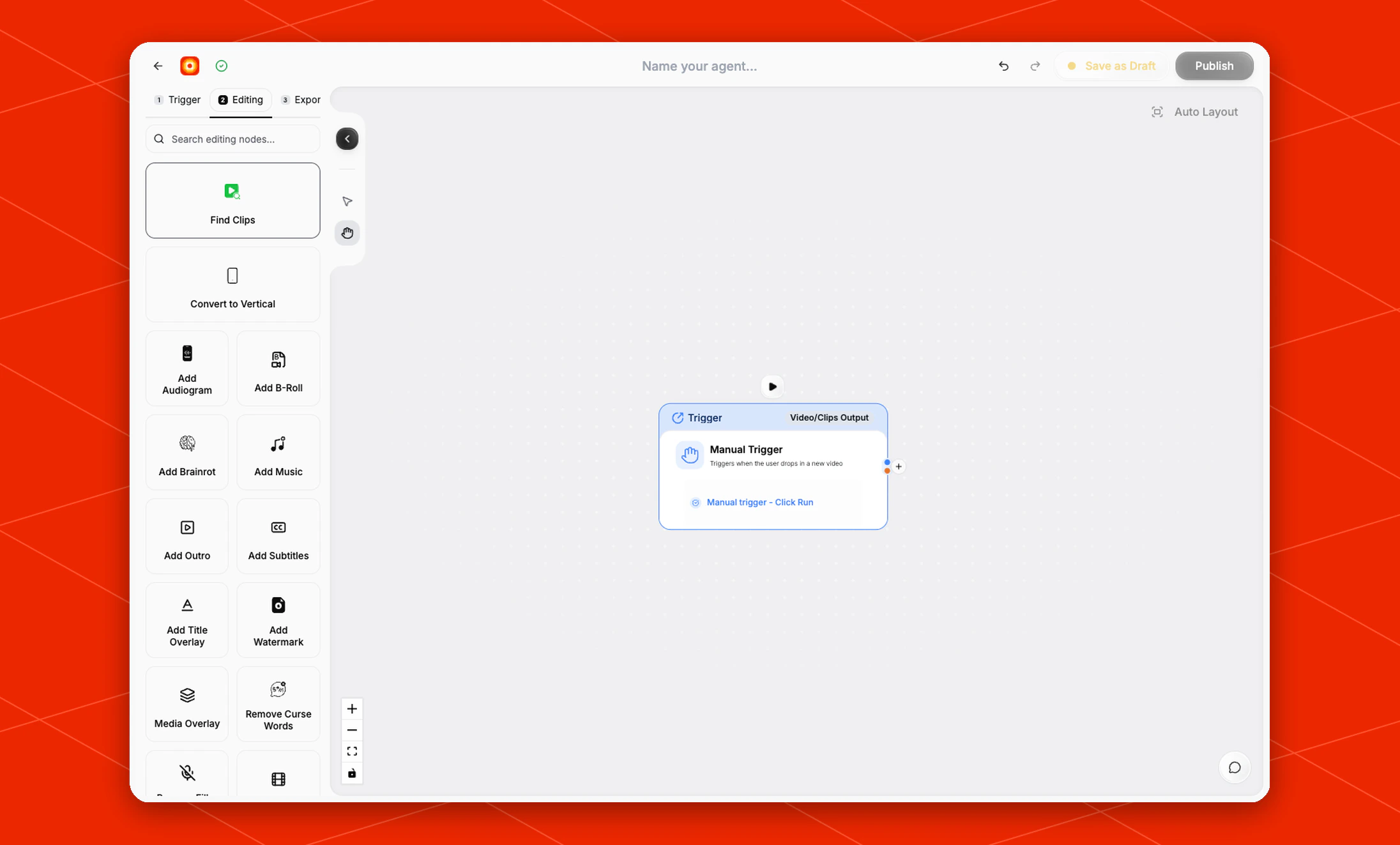
Manual Trigger node selected in the workflow builder

Configure the trigger

The current Manual Trigger node does not have a right-side settings panel or advanced settings. Its run action appears directly on the selected node as Manual trigger - Click Run. Click Manual trigger - Click Run when you want to start the workflow with a video you choose manually.

Build the rest of the workflow

After the trigger is in place, continue in Editing with nodes such as Find Clips, Add Subtitles, or Reframe. Finish with an export node such as Email or Post to Social so each manual run has a clear destination.