
Periodically zoom in on the most important part of the video for emphasis.The Smart Zoom node is an editing action that adds short emphasis zooms to incoming video or clips. Use it when you want Overlap to automatically draw attention to important visual moments before the workflow exports the result.
Schema
- Input: Video or clips from an upstream trigger or editing node
- Output: Clips with Smart Zoom applied
Add the node
Open Workflows from the left sidebar and click New to open the workflow builder. Add a trigger first, such as Manual Trigger or New YouTube Video. In the Editing stage, choose Smart Zoom. Overlap adds the action node to the canvas and connects it to the workflow path.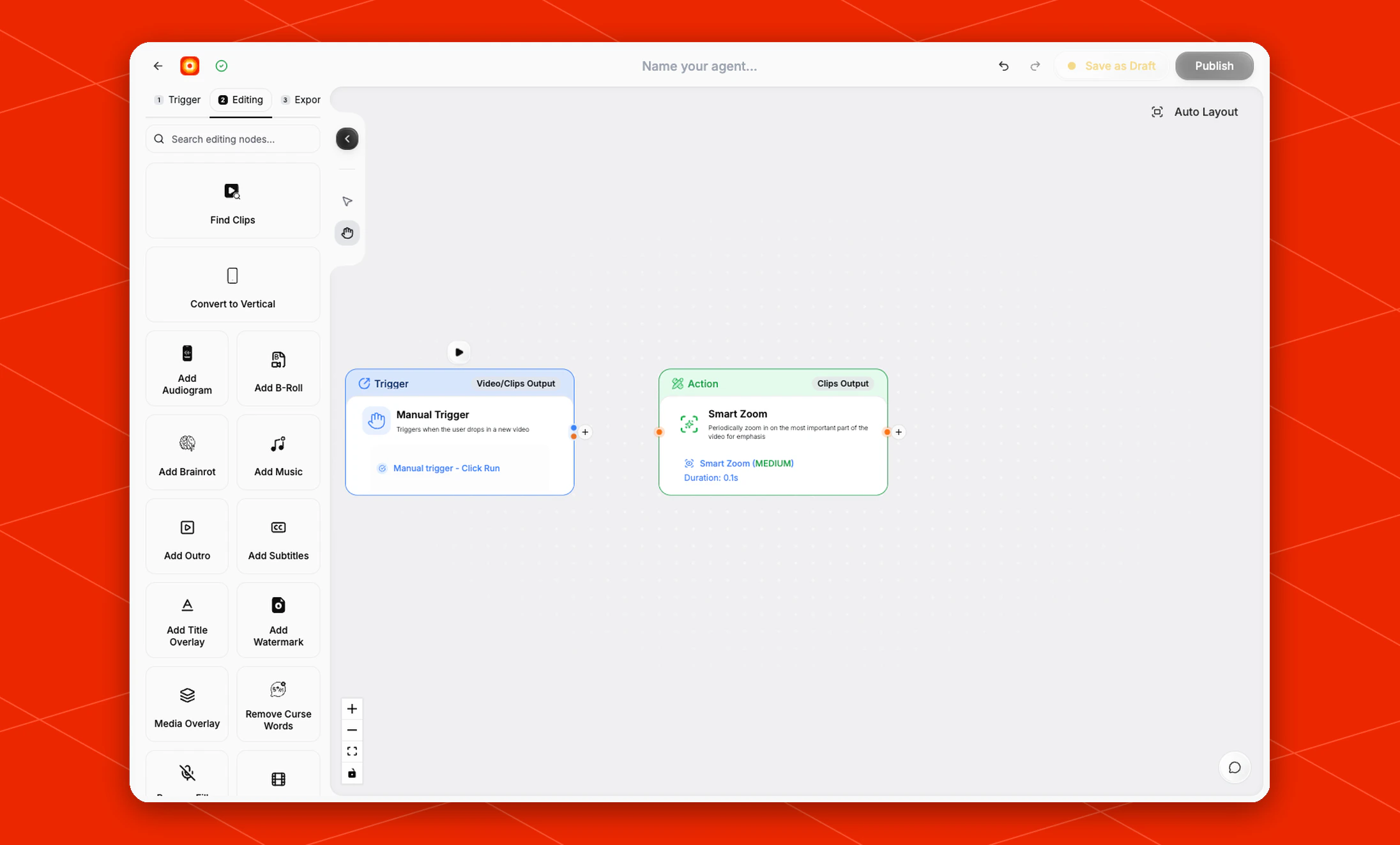
Review the zoom behavior
The current Smart Zoom node applies the default Smart Zoom (MEDIUM) behavior. The node card shows the effect summary and a default Duration of0.1s.
Smart Zoom does not expose additional configuration controls in the current builder. To change the surrounding edit, place it before or after other editing nodes depending on what should happen first.